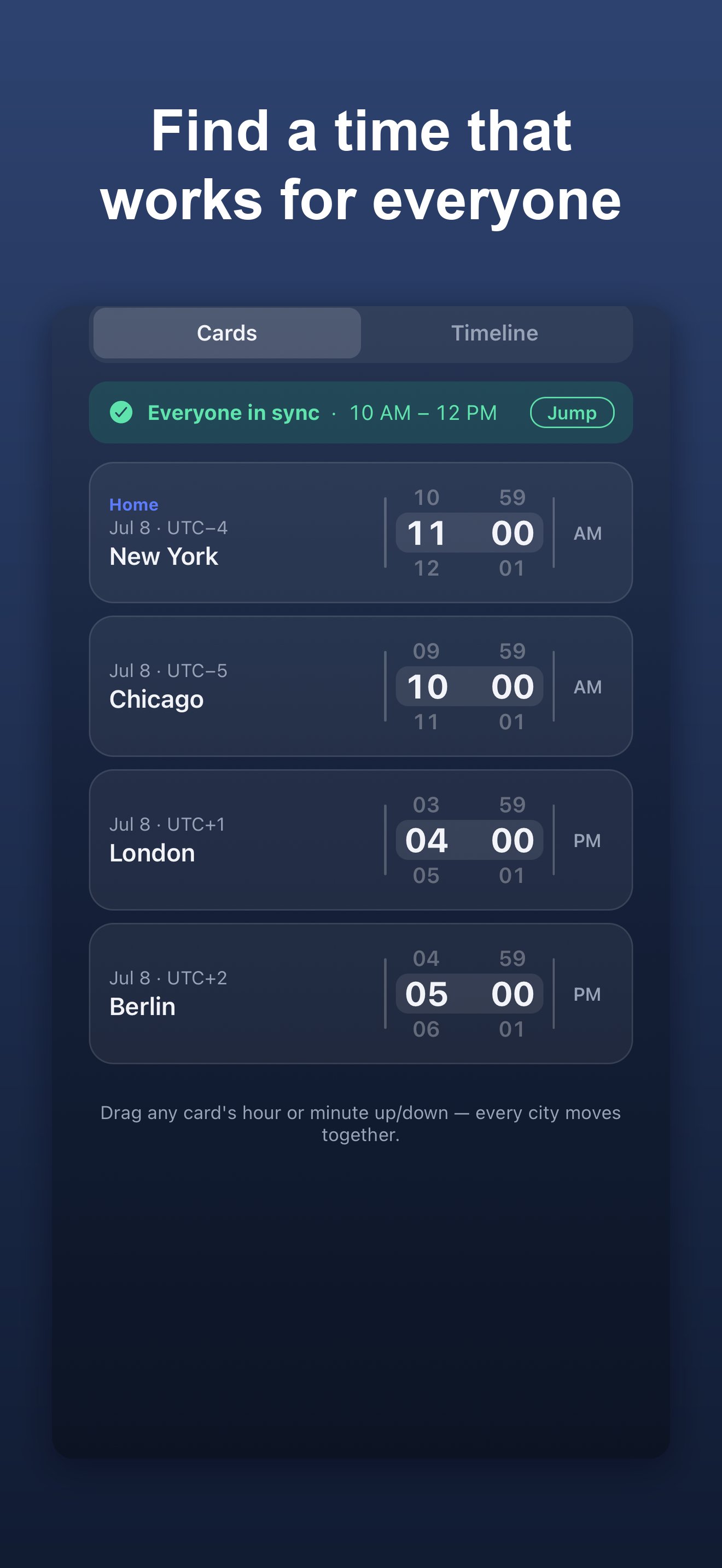
Find a meeting time that works for everyone.
Add the cities your people live in. Whenmo shows every local time at once and highlights the moment you're all awake.
Right now, around the world
Green means someone's awake and working.
Stop doing time-zone math.
Whenmo does the one annoying thing every remote team, traveler, and freelancer with global clients keeps doing by hand.
See every city at once
Drag any city's time and all the others move with it. One glance, every zone, no mental arithmetic.
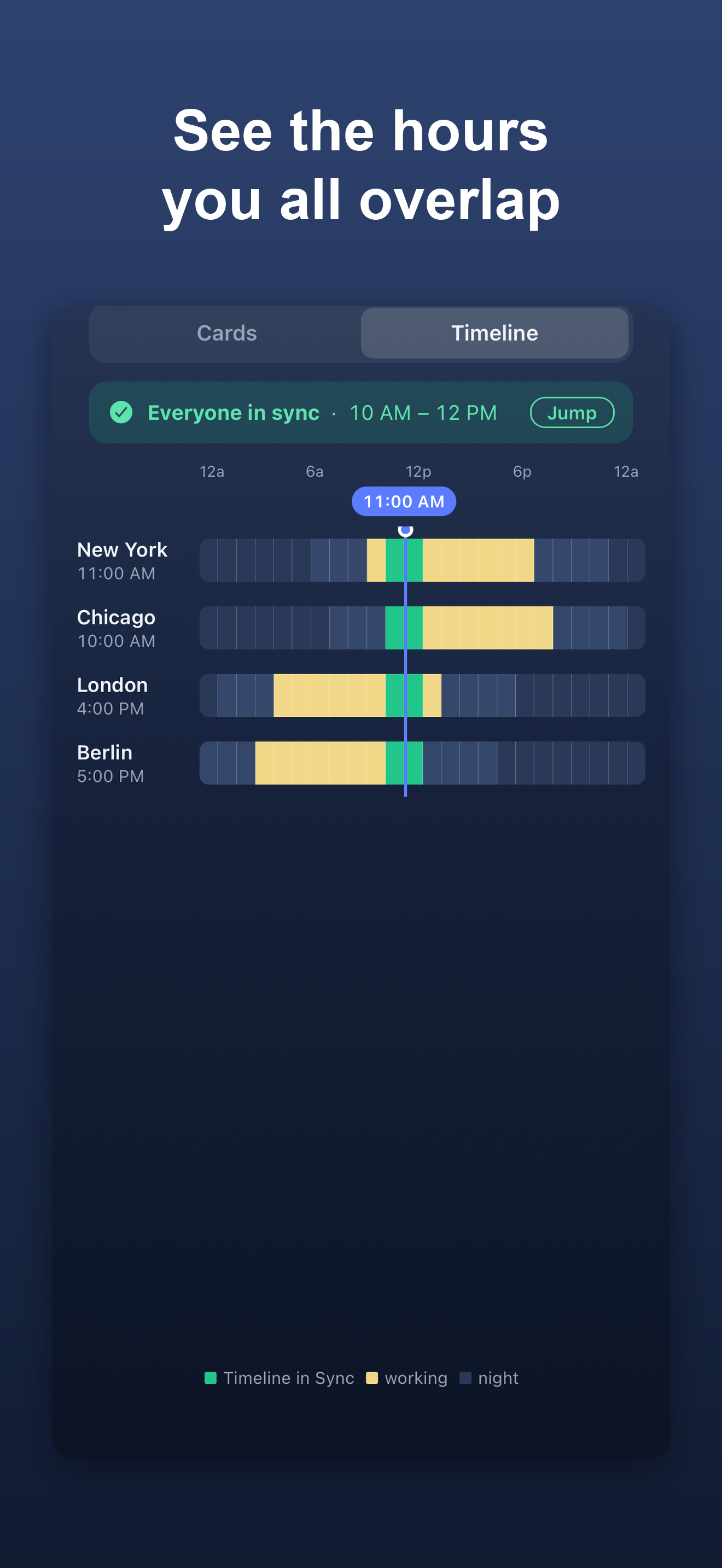
The overlap, highlighted
A green "in sync" band shows exactly when everyone's within working hours — so you pick a time that's kind to all of them.
Straight to your calendar
Found the moment? Add it to your calendar or share a standard invite in a single tap. No copy-pasting times.
Private by design
No account, no tracking, no servers. Everything runs on your device and works with no signal at all.
Scrub the timeline, watch it light up.
Switch to the timeline view and drag across the day. The columns where everyone's awake turn green, so the best window is impossible to miss.
DST is automatic. Add a city and its clock is always right — even across the changeovers.